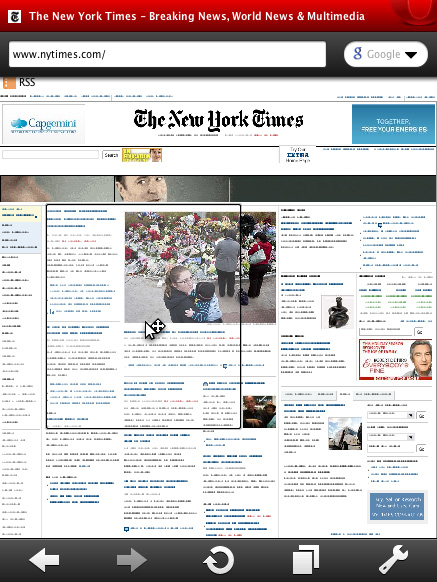
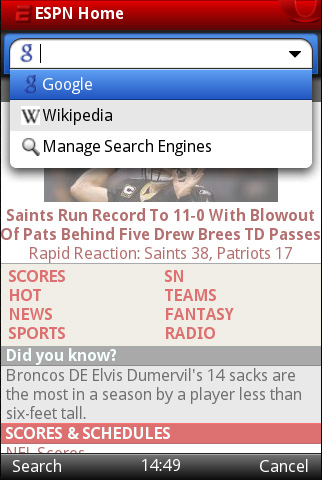
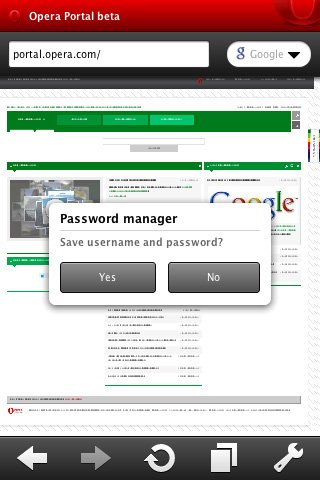
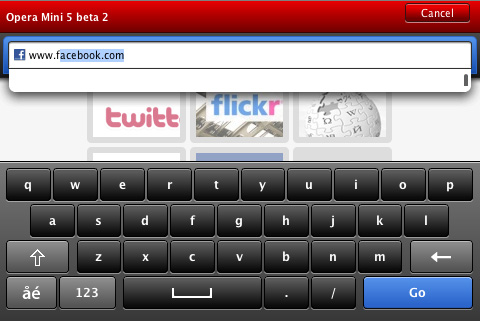
Browse several Web sites at the same time, while easily jumping from one to another. Get to your favorite Web page with just one click, with a set of visual bookmarks when you open a new tab. Synchronize your bookmarks and Speed Dial between your mobile phone and desktop computer. Manage downloads right from the browser. Pause and resume downloads to suit your needs. 1Living up to our vision of providing the best Internet experience on any device, Opera Mini 5 boasts a powerful new user interface. Merging the best from our desktop browser together with new innovations for mobile phones, Opera Mini is advanced, yet highly intuitive to use. Time is precious. Opera Mini compresses pages by up to 90% before being sent to your phone, meaning faster page-load times than in other mobile Web browsers. 2When visiting a Web page, Opera Mini displays the overview of the page and suggests where to begin your reading before you zoom in. Opera Mini also detects when you are on a Web page designed for a mobile phone and displays it optimally. Control default text size on Web sites. Depending on your mobile phone screen size, often text can be too small or too large to be viewed easily. Control the default zoom level from 60% to 200% directly in Opera Mini 5. The new Opera Mini lets you search for text within a Web page, so you can get to the information you need even more quickly than before. Get your favorite Web page with just one click. Speed Dial is a set of visual bookmarks you see when you open a new tab, like a dashboard for your online life. To add a new page, simply click an empty dial, and Opera will make suggestions based on your browsing history and bookmarks. Fit content to your mobile phone. Mobile view intelligently reformats Web pages into a single column eliminating the need for horizontal panning. Changing to Mobile view is accessible though the Settings menu. 4There is no more hassle with those hard-to-enter usernames and passwords. Opera Mini 5 will remember your credentials, and you can log on to your favorite Web sites with just a single click. The passwords are stored on your phone for your convenience. Browse several Web sites at the same time. Check your e-mail in one window, Facebook in another and, Twitter in a third, all while being able to jump easily from one tab to another. With a touchscreen phone, you can enjoy even easier tab switching with visual tabs. On keypad-style phones easily mange desktop-style tabs in the Opera Mini user interface, above the address bar. Scroll at warp speed using your phone keypad or by dragging the page on a phone with a touchscreen. 3The user interface has been designed for both touchscreen- and keypad-style mobile phones. With a touchscreen, you can enjoy even easier navigation with our new zooming and kinetic scrolling. On a touchscreen phone panning has become even easier with adaptive zoom. When panning quickly around a zoomed-in page the panning momentum creates a more intuitive and easier to-navigate experience. Browse in the way that is most comfortable to you. Landscape mode allows you to view Opera Mini 5 on your phone in landscape.Top new features
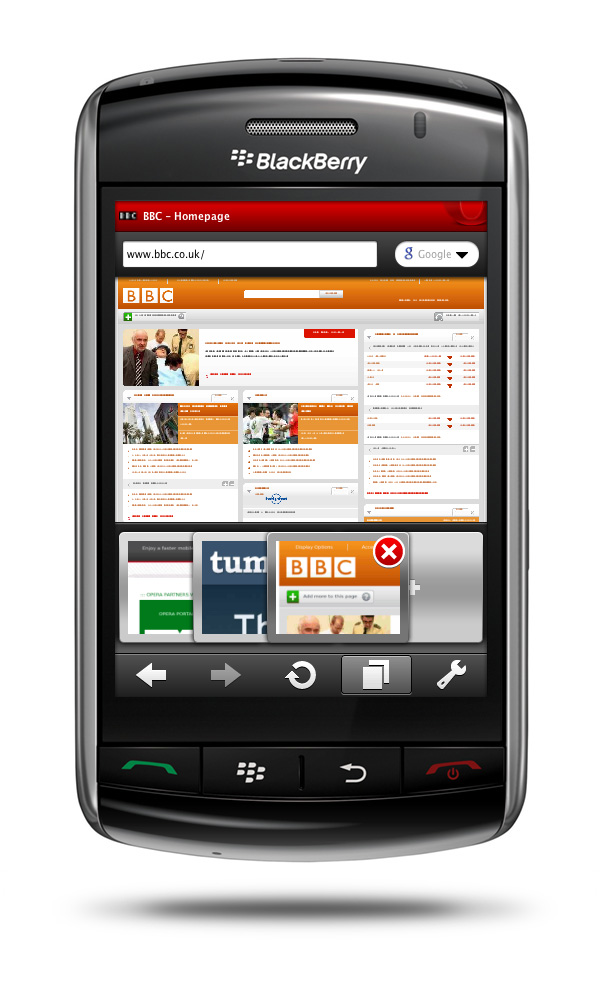
Tabbed browsing
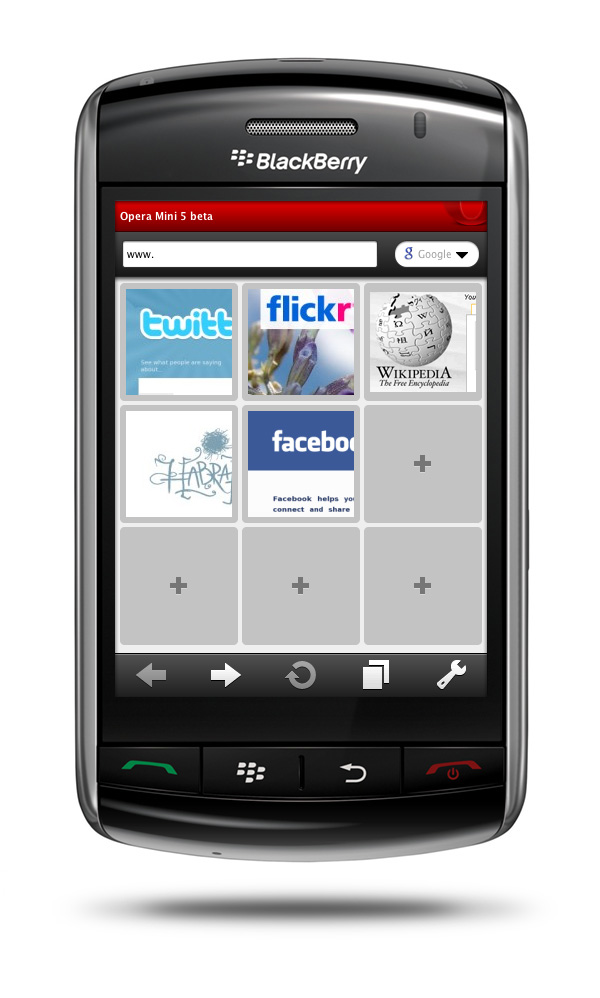
Speed Dial
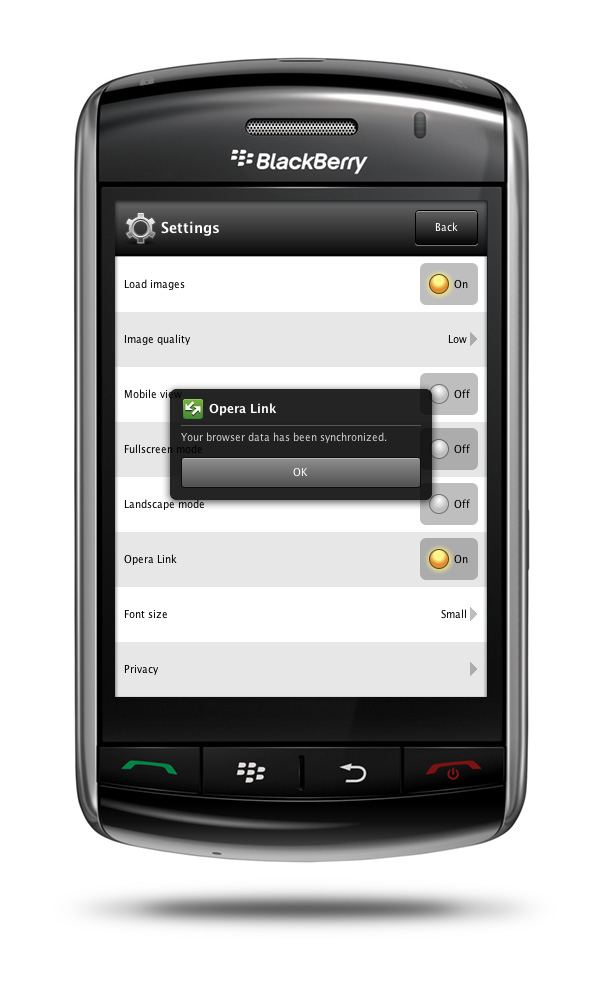
Opera Link
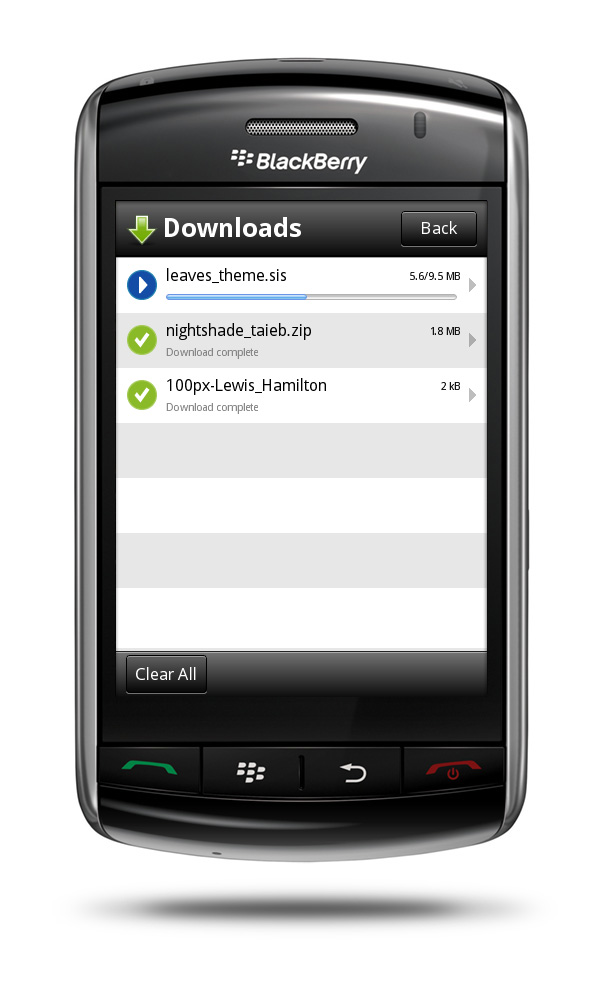
Download manager
Feature details
Innovative and easy-to-use
Faster
Full Web in your palm
Page zoom
Built for speed
Speed Dial
Mobile view
Password Manager
Tabbed browsing
Power scrolling
Touch and keypad
Adaptive zoom
Landscape mode